Setup Guide
You can refer to the official documentation below for instructions on how to set up an Astar Archive Node.
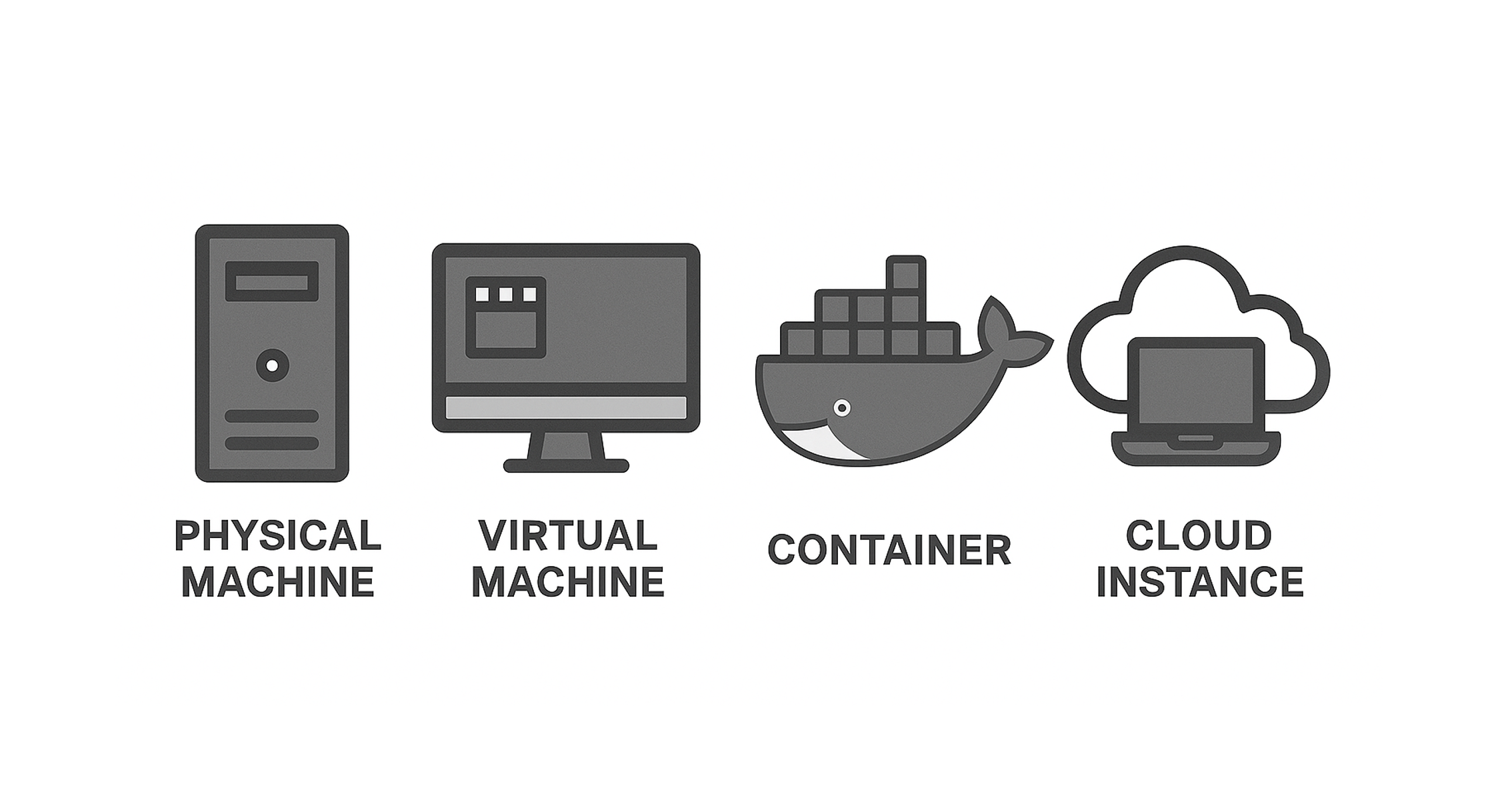
A node can be set up on a physical machine, virtual machine, container environment, or cloud instance. However, any setup other than a physical machine requires a significant amount of infrastructure-related technical knowledge.
For those who are not technical specialists, we recommend starting by preparing a physical machine.
Docker
The configuration using Docker is documented in the official guide.
- 🔗 Dokcker
Docker Compose
For reference, here is an example procedure for setting up an archive node using Docker Compose.
- 🔗 How to create an Archive Node with Docker compose.yml / Author: Dagga
Astar Releases
The release provides binaries for macOS x86_64, Ubuntu x86_64, and Linux ARM64 (aarch64).
Additional Information
Before setting up, I’ll provide some supplementary notes to the official documentation.
About Machine Specifications
- As of December 2025, the HDD currently in use occupies 1.73 TB.
- Since blockchain data storage functions as a type of database, performance is just as important as capacity, and for physical machines, power consumption becomes an additional critical factor.
- Although SSDs are recommended, HDDs can also be used. However, HDDs require careful attention to power supply, and USB bus‑powered connections are not recommended.
- It is safer to have at least 8 GB of RAM. There are cases where Raspberry Pi 4/5 with 4 GB RAM have operated successfully, but machines with 8 GB or more tend to be more stable.